Missing records slow the workflow.
Missing or stale documents create onboarding delays, settlement holds, proof problems, claims exposure, and uncertainty.
 Apply to Become a Founding Fleet Member
BOF Vault + Document Readiness Engine
BOF ingests driver, carrier, equipment, customer, and proof documents, classifies readiness evidence, applies rules, surfaces exceptions, and helps fleets and partners know what is ready before operational risk appears.
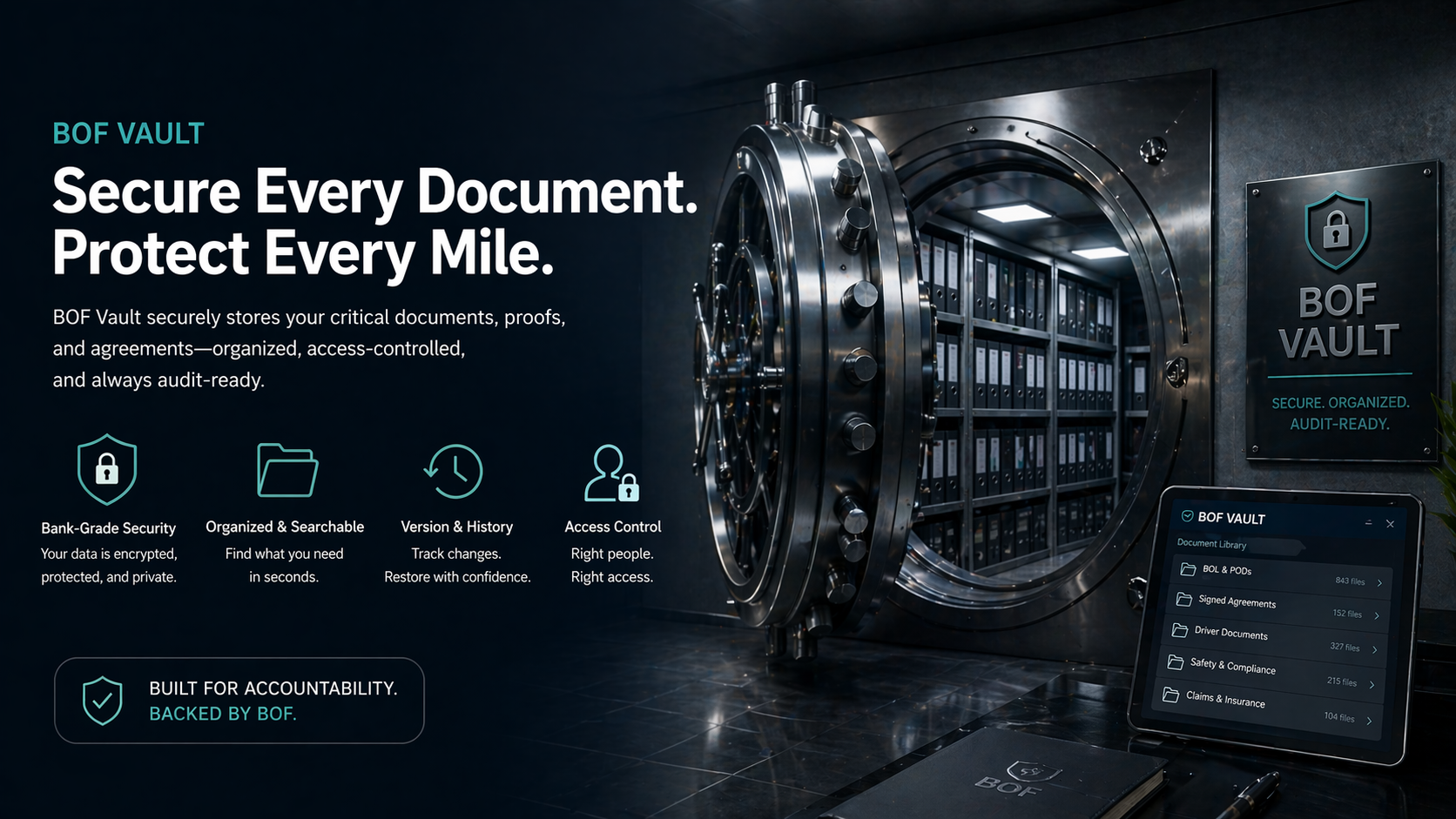
The value is not storage alone. The value is converting documents into usable readiness signals, exception visibility, onboarding profiles, and operating workflows.
Why this matters
They need to know whether drivers, carriers, equipment, and proof records are ready, missing, expired, expiring, blocked, or needing review. Documents are scattered across email, portals, phones, payroll systems, driver files, paper folders, and dispatch/admin workflows.
Missing or stale documents create onboarding delays, settlement holds, proof problems, claims exposure, and uncertainty.
Email, portals, phone photos, paper folders, payroll records, and admin notes all need a clearer operating path.
BOF helps teams see the readiness impact instead of treating documents as loose files sitting in a folder.
Readiness workflow
Collect or receive documents from drivers, fleets, carriers, customers, or staff.
Identify document type and the related driver, carrier, equipment, customer, or proof record.
Capture key fields such as names, dates, issuer, expiration, equipment, policy, load reference, or proof category.
Flag missing, expired, expiring, inconsistent, or review-needed records.
Apply driver, carrier, equipment, customer, and proof requirements.
Show ready, needs review, blocked, expiring, missing, or eligible with conditions.
Create driver, fleet, carrier, onboarding, and readiness profiles.
Organize documents into proof, billing, settlement, and claims workflows.
Document categories handled
Cargo securement documentation
BOF can help fleets document cargo securement before departure, including required photos, driver acknowledgments, seal/cargo checks, securement-device verification, and exception notes. When fleets use cargo securement products such as Freight Brace, BOF can add those checks into the proof workflow so the fleet can see what was secured, when it was documented, and what evidence is available if a claim or exception arises.
Where a fleet uses cargo securement products such as Freight Brace, BOF can document securement verification, photo evidence, driver acknowledgment, exception notes, and proof packet attachment as part of the readiness workflow.
Securement step is added to the pre-trip workflow for the driver, load, or equipment profile.
Driver captures cargo, seal, or securement-device photos before departure.
BOF records the acknowledgment, timestamp, and related record owner.
Missing or unclear securement proof is routed to review before the record is treated as complete.
Securement evidence is attached to the load, customer, delivery, or claims-support record.
Damage or exception review has clearer proof, notes, photos, and timing evidence.
Readiness status model
The goal is not just to store documents. The goal is to show whether a driver, carrier, equipment record, or proof packet can be used in a workflow.
Human review layer
BOF should not pretend automation replaces judgment. Ambiguous documents, conflicting names, mismatched dates, unusual insurance wording, missing pages, or questionable proof should be routed to review.
BOF staff and trucking experts help define what should be accepted, reviewed, or blocked, especially during MVP build and early pilots.
Who it helps
Know which drivers, documents, proof packets, settlement records, and exceptions need attention before work stalls.
Open Fleet Operator OfferSeparate usable capacity from review-needed or blocked capacity across a partner fleet network.
Open Aggregator Partner OfferGive drivers a clearer path to keep readiness documents organized, current, and usable for onboarding and review.
Open BOF Vault Intake WorkbenchControl internal fleet records, proof, and exception workflows without building a full trucking back office from scratch.
Submit a Private Fleet ScenarioWhy this is the first MVP spine
It touches driver readiness, fleet onboarding, aggregator readiness, proof packets, settlements, claims, and customer requirements. It gives BOF a concrete prototype workflow before broader automation: intake, classification, rules, review queue, status model, and audit trail.
College-level operations and product associates can help with intake, document review, workflow testing, and SOP creation.
A full-time trucking operations expert can define review rules, exception paths, and what should be accepted, reviewed, or blocked.
The build model has a concrete path: intake, classification, rules, review queue, status model, audit trail, and audience-specific workflows.
See the readiness workflow
Next step
Bring one real roster, document chase, proof packet, onboarding gap, settlement hold, or claims record into the first BOF review.
Print-friendly one-page pitch
Headline: Turn documents into readiness decisions.
Core offer: BOF turns driver, carrier, equipment, customer, and proof documents into readiness signals, exceptions, onboarding profiles, proof support, and operating workflows.
Teams need to know what is ready, missing, expired, expiring, blocked, or needing review.
BOF connects documents to parties, dates, requirements, exceptions, and next actions.
Records become usable workflow statuses rather than loose files.
Ambiguous, conflicting, incomplete, or unusual documents route to review.
The same engine supports fleet operators, aggregators, drivers, and private fleets.
Bring one document or readiness problem into a BOF Assessment Review.