Imported load
TMS supplies the load, lane, assigned driver, carrier, stops, and current TMS status for TMS-LD-10482.
 Sign In
Command center
This is the first operating view after a TMS load enters BOF: dispatch readiness, document health, driver availability, carrier packet status, risk, and next action in one place. TMS-LD-10482 is close, but BOF shows what still needs review and who clears it.

TMS supplies the load, lane, assigned driver, carrier, stops, and current TMS status for TMS-LD-10482.
Driver file, carrier packet, insurance, and rate confirmation support the BOF release decision.
BOL image review is one document input inside the BOF-RR-10482 readiness decision.
S. Turner owns the document review, so the load does not sit in a vague dashboard state.
Choose Ready, Conditional, or Hold for TMS-LD-10482 after BOF reviews the readiness packet.
available for dispatch review with required records attached
blocked by document, driver, or carrier record issue
ranked by operating impact and assigned owner
Command scenario
The owner can see the load, lane, driver, carrier, release risk, and action owner before dispatch has to make a call. BOF avoids a generic KPI dashboard by showing the exact reason a load is reviewed instead of released.
BOL, POD plan, insurance, driver file, and carrier packet status are tied to the trip before release, so the owner sees what still affects dispatch confidence.
ReviewThe first view shows release consequence and owner action without pulling the team into accounting detail before it matters.
Later review| Priority | Load | Operating issue | Record | Impact | Owner | Next action |
|---|---|---|---|---|---|---|
| 1 | TMS-LD-10482 | Review | BOF-RR-10482 packet needs final review | Trip can move after readiness decision | S. Turner | Review release decision |
| 2 | BOF-1907 | Watch | BOL photo pending dispatcher confirmation | May delay Kansas City lane | Dispatcher | Confirm BOL image |
| 3 | BOF-1931 | Blocked | Driver medical card update missing | Do not release | Safety lead | Update driver file |
Owner triage packets
A fleet owner should not have to open five systems to understand the next move. BOF keeps the release state, controlling record, owner, consequence, and next action together.
Immediate actions
The command center should not leave your team asking where to click next. Each item names the problem, the supporting record, the owner, and the action that changes the release state.
The release decision is grouped by dispatch impact so your team sees the readiness reason, owner, and simulated handoff together.
BOF separates dispatch-ready work from loads that still need document, driver, carrier, or safety review.
Safety, dispatch, carrier operations, and document-owner actions are named instead of buried in a dashboard note.
Dashboard reality
The dashboard is not just charts; it is a way to organize radio calls, pre-trip paperwork, carrier files, and safety reviews into a clean operating answer.

The command center should reflect how the desk actually works.

Pre-trip readiness ties equipment, driver, and paperwork together.
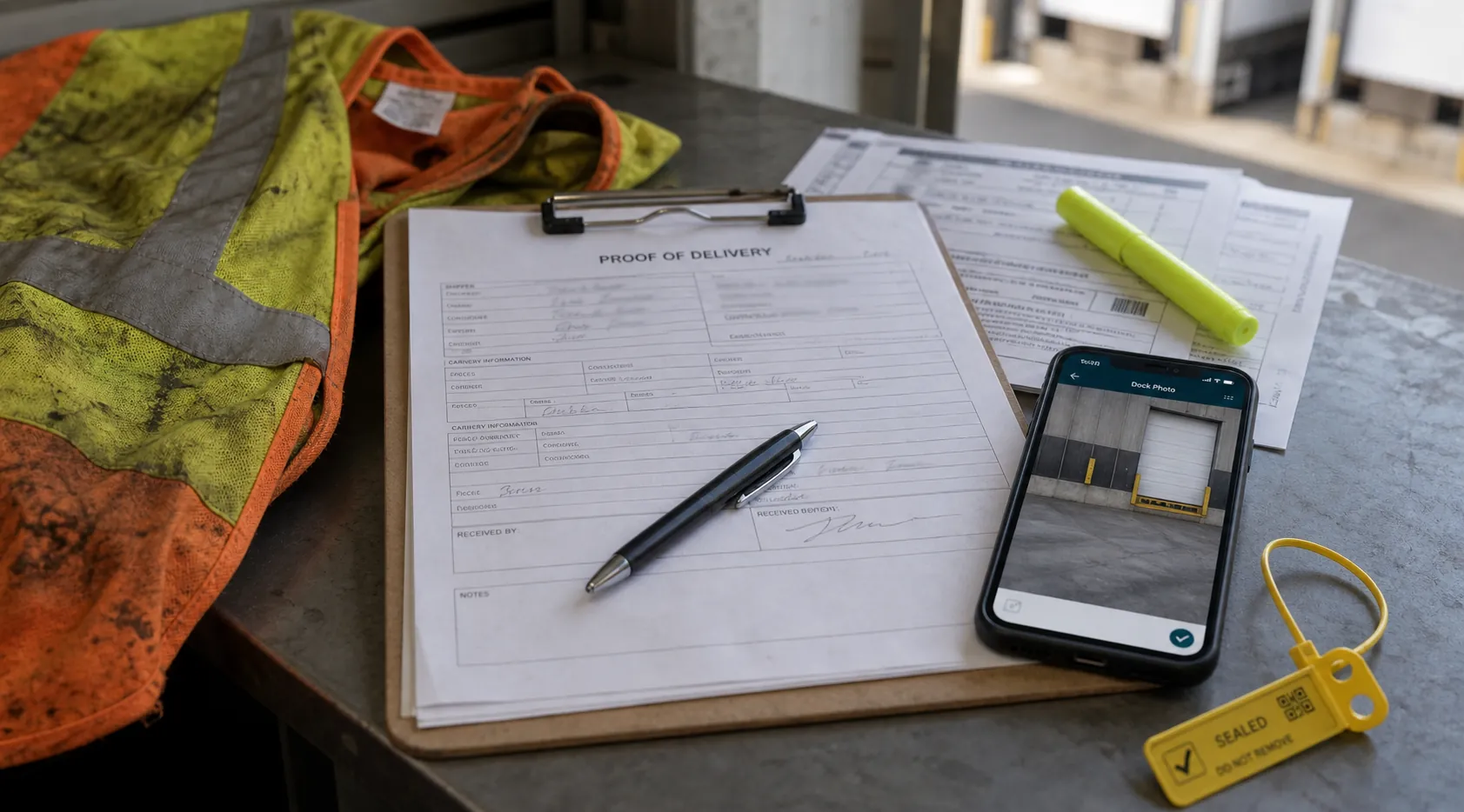
Packet readiness belongs in the same view as load readiness.

Corrective actions and safety forms should have owners and dates.
Next record
Your team should see what changes a load from ready to watch, review, or hold before anyone trusts the release.